
Your connections. One application.
Letakof is a VPN and proxy client on the Mihomo core. Add a Clash/Mihomo subscription, choose a server and connect — on Windows, macOS, iOS, Android, Android TV and Apple TV.
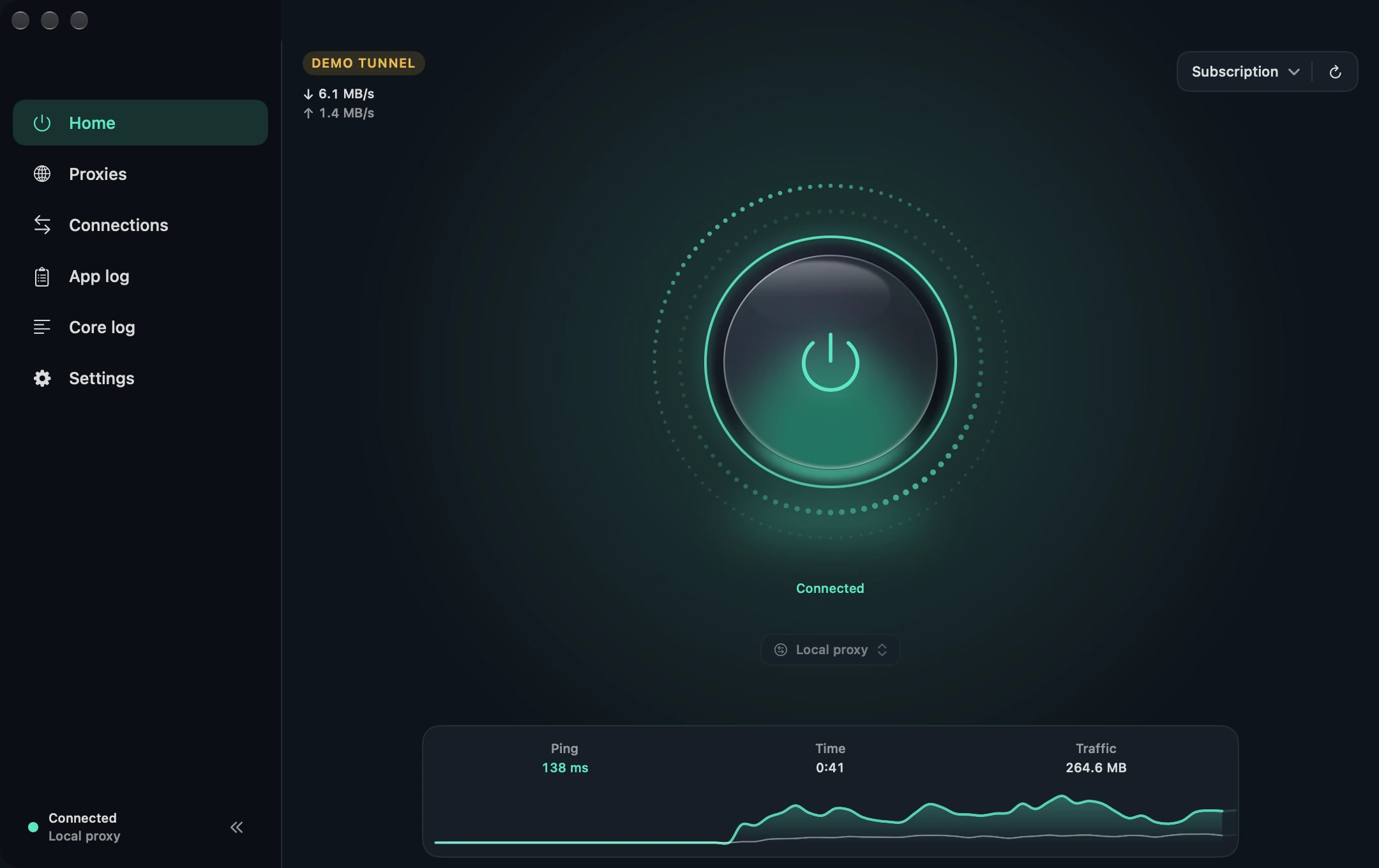
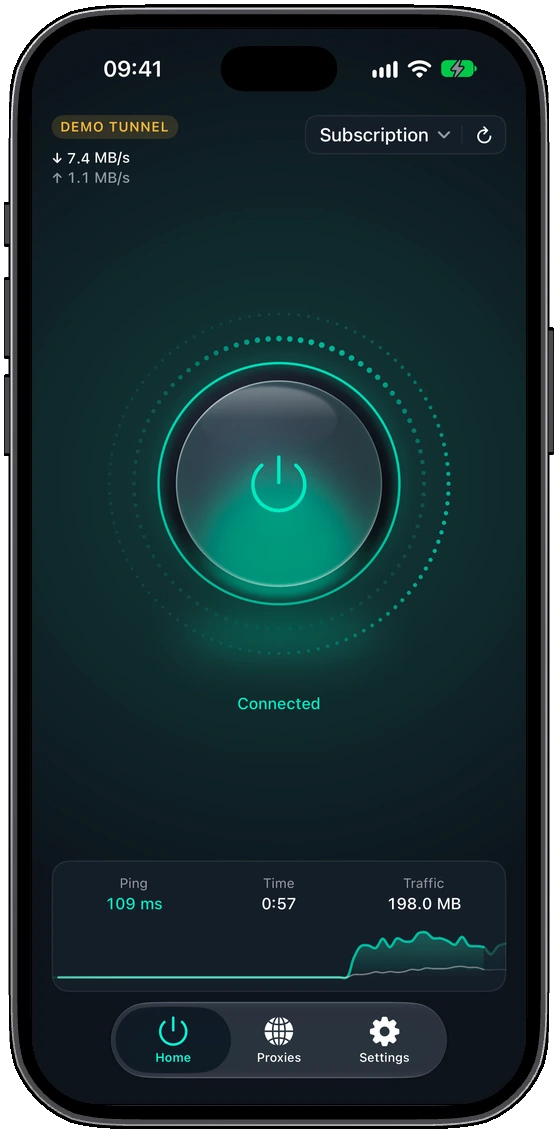
What it does
- Subscriptions
- Clash/Mihomo profiles with automatic updates, traffic, expiry date and provider announcements.
- Proxy groups
- Manual choice, latency tests, automatic selection, fallback and load balancing.
- Operating modes
- System proxy, TUN or a local proxy; a system VPN on Android. A kill switch for TUN.
- Custom rules
- Domains, IP addresses, ports and apps. Kept when the subscription updates.
- DNS and GEO
- System, DoH or profile DNS, an IPv6 switch and GEO databases.
- On mobile
- Android: app routing and scenarios by network. iPhone: network rules and modules. TV activation by QR code.
- Diagnostics
- Live connections with the matched rule and proxy chain, and the core log.
- Device identifier
- An optional hashed ID for providers that limit devices. Can be turned off.
Protocols
VLESS, VMess, Trojan, Shadowsocks, Hysteria, Hysteria2, TUIC, WireGuard, AnyTLS and other Mihomo protocols. The servers come from your subscription.
Download
The latest stable release, straight from GitHub Releases.
- WindowsInstaller · Windows 10+ · x6424 MBDownload
- macOSDisk image · macOS 14+ · Apple Silicon79 MBDownload
- macOS (Intel)Disk image · macOS 14+ · IntelComing soon
- AndroidAPK · Android 8.0+ · arm6438 MBDownload
- Android TVAPK · Android 8.0+ · Android TV63 MBDownload
- iPhoneApp Store · iOS 26+Coming soon
- Apple TVApp StoreComing soon
Getting started
- InstallDownload Letakof for your platform and install it.
- Add a subscriptionPaste the subscription link from your provider on the first screen.
- Choose a serverPick a server or a proxy group, or keep the automatic selection.
- ConnectPress the power button on the Home screen.
Documentation
Installation, subscriptions, settings, HTTP headers and the device identifier.